Slime Rhythm
Slime Rhythm
A lightweight, beat-driven falling-style rhythm game based on HTML5 Canvas and the Web Audio API. This project comes with a fully functional web-based visual chart editor.
The Game
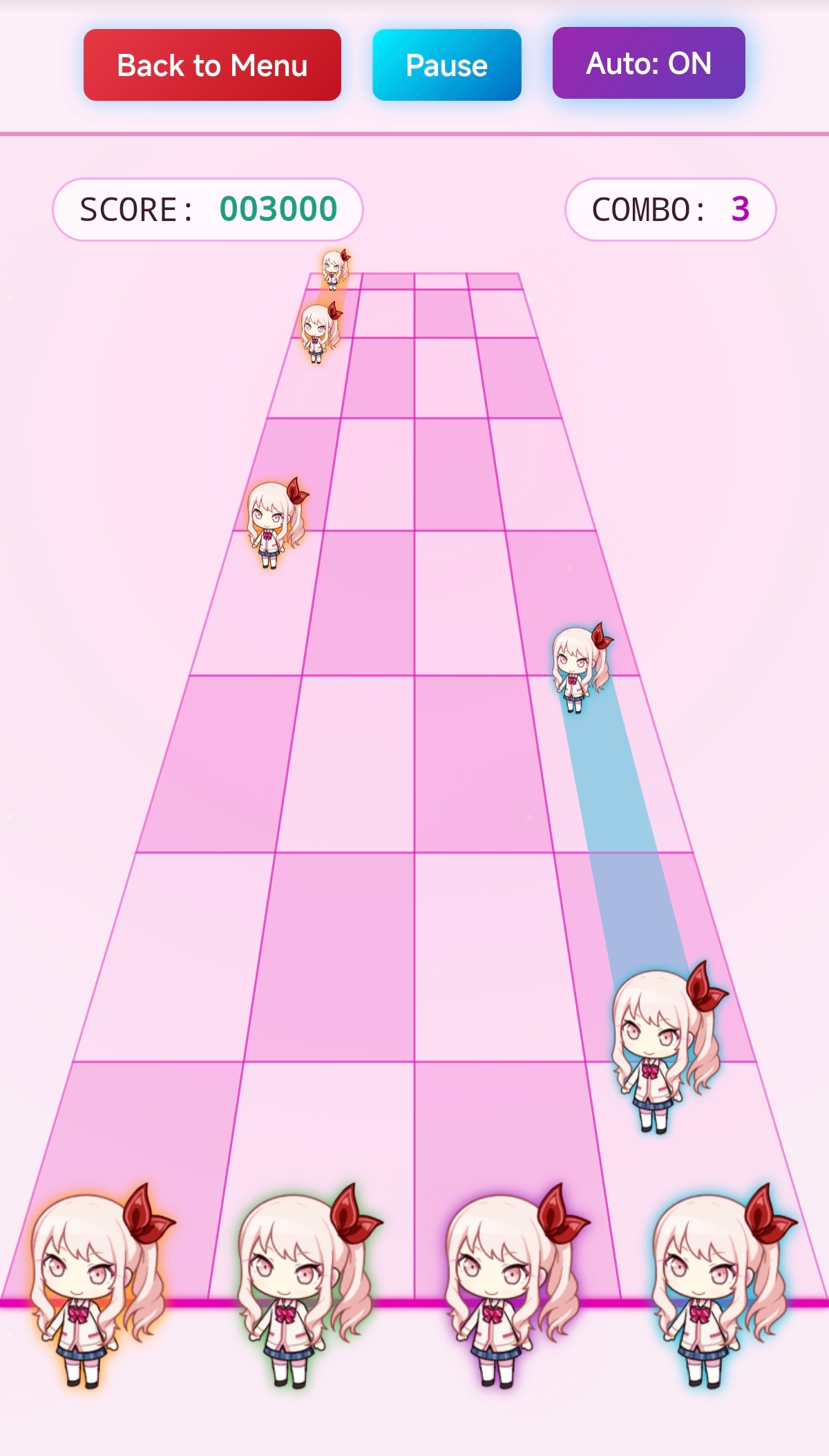
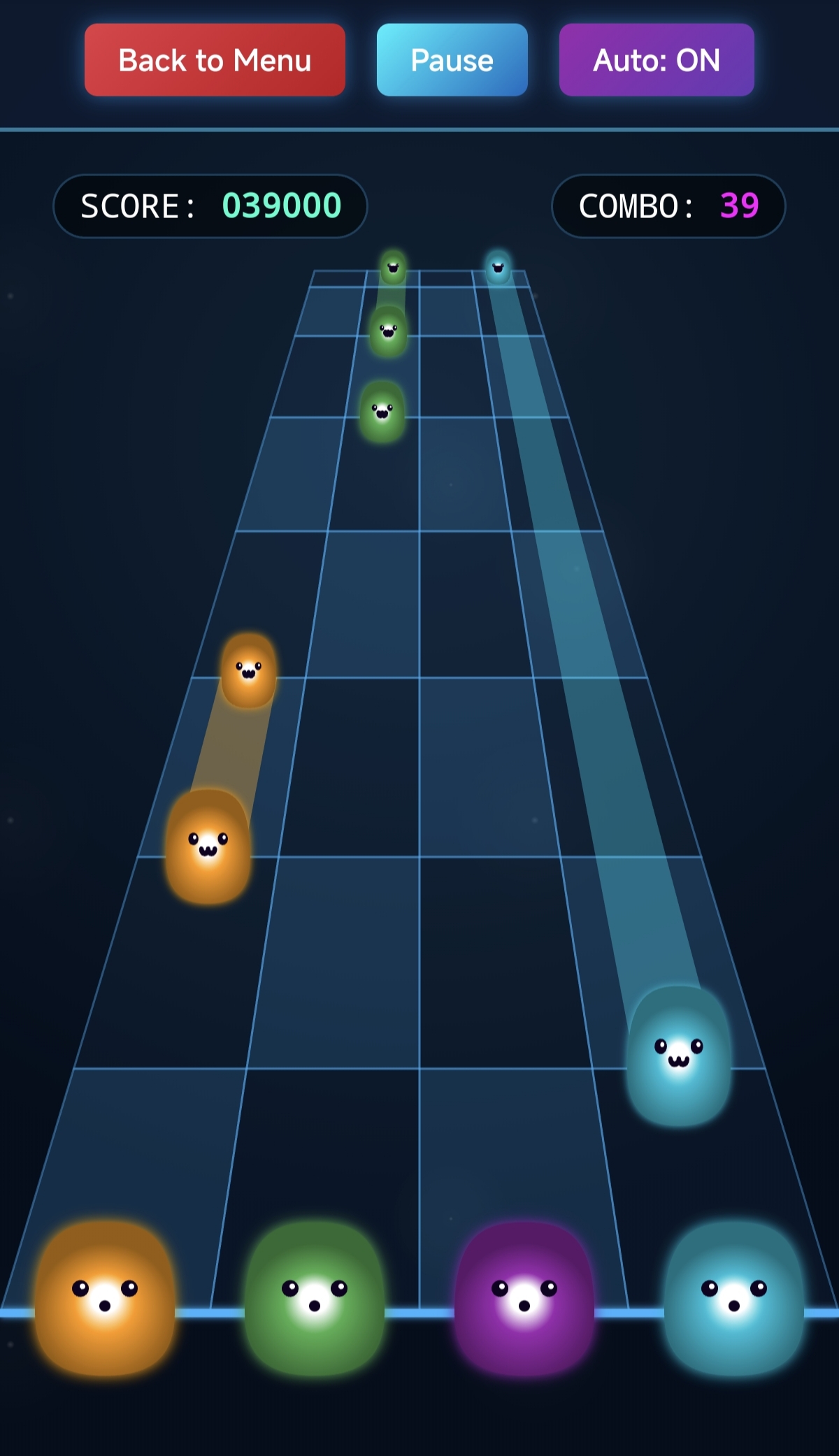
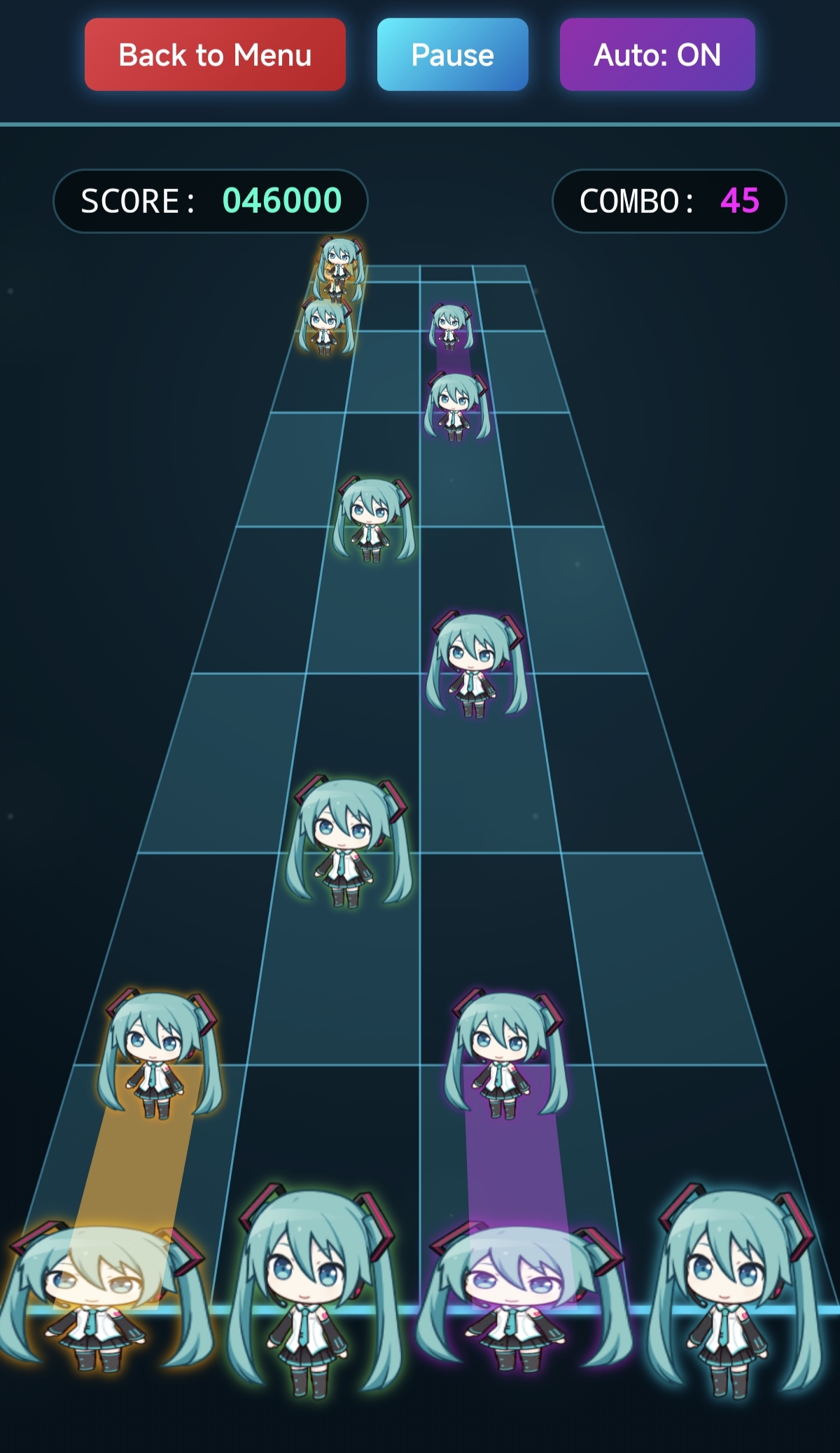
The game mainly references the beat-based falling mechanics of Rift of the NecroDancer, but without overly complex note movement mechanics, making it closer to traditional falling-style rhythm games. The game includes four types of judgments: PERFECT, GREAT, GOOD, and MISS, and supports hold notes.
- Cross-Platform Support:
- PC: Keyboard input (`S`, `D`, `J`, `K`).
- Mobile: Direct screen taps with multi-touch support.
- Personalization:
- One-click toggle between Light / Dark mode.
- Fully customizable UI theme color hue.
- Built-in 3 preset note patterns: Hatsune Miku, Akiyama Mizuki, and Kagamine Len.
- Supports uploading custom note patterns for each of the 4 lanes.
- Accessibility: Built-in Auto-Play mode for easy chart previewing.
The game itself supports most mainstream audio formats, including MP3, OGG, WAV, FLAC, etc., but some browsers may have compatibility issues with certain audio formats.
Importing Custom Charts
Now the game supports convenient uploading of custom charts and external songs!
For songs already in the game:
- Click the + button in the song detail area.
- Click the Import Chart button, and select the chart file prepared locally.
- Click the chart in the list to start the game.
For external songs you want to upload:
- Click the Add Custom Song button in the song list.
- In the custom song interface, fill in the song title, and upload the audio file, chart file, cover image, etc.
- After editing, click the Save button, and you will see the uploaded song in the song list.
- If you want to edit the content again or add more charts, click the Edit Song button of the custom song.
Note: The upload feature saves contents in the browser's local cache and is not permanent. Clearing browser cache, using incognito mode, or switching browsers may cause the uploaded content to be cleared or lost. Please keep all files safe outside of the upload system.
Chart Editor
- Visual Editing: Intuitive waterfall lane interface.
- Flexible Beat Control: Supports 1/1, 1/2, and 1/4 beat snapping precision. (It is recommended to only use 1/1 and 1/2 snapping; otherwise, reading the chart might become difficult).
- Multiple Note Modes: Supports drawing both short tap notes and long hold notes.
- Multi-BPM / Speed Change Support: Add or remove BPM changes at the current beat at any time, adapting to songs with variable tempos.
- Local Import / Export: Supports importing local audio files (most mainstream formats). Supports one-click import and export of charts in JSON format.
Editor Guide
- Add Note: Left-click on the grid.
- Add Hold Note: Switch the input mode to "Drag (Hold)" in the left panel, then hold the left mouse button and drag upwards on the grid.
- Delete Note: Right-click on an existing note.
- Move Timeline: Mouse wheel up or down.
- Zoom Lanes: Hold Ctrl + Mouse wheel.
- Play / Pause: Space bar.
GitHub Page: github.com/Admiral-Spee/slime-rhythm-game
Leave a comment
Log in with itch.io to leave a comment.